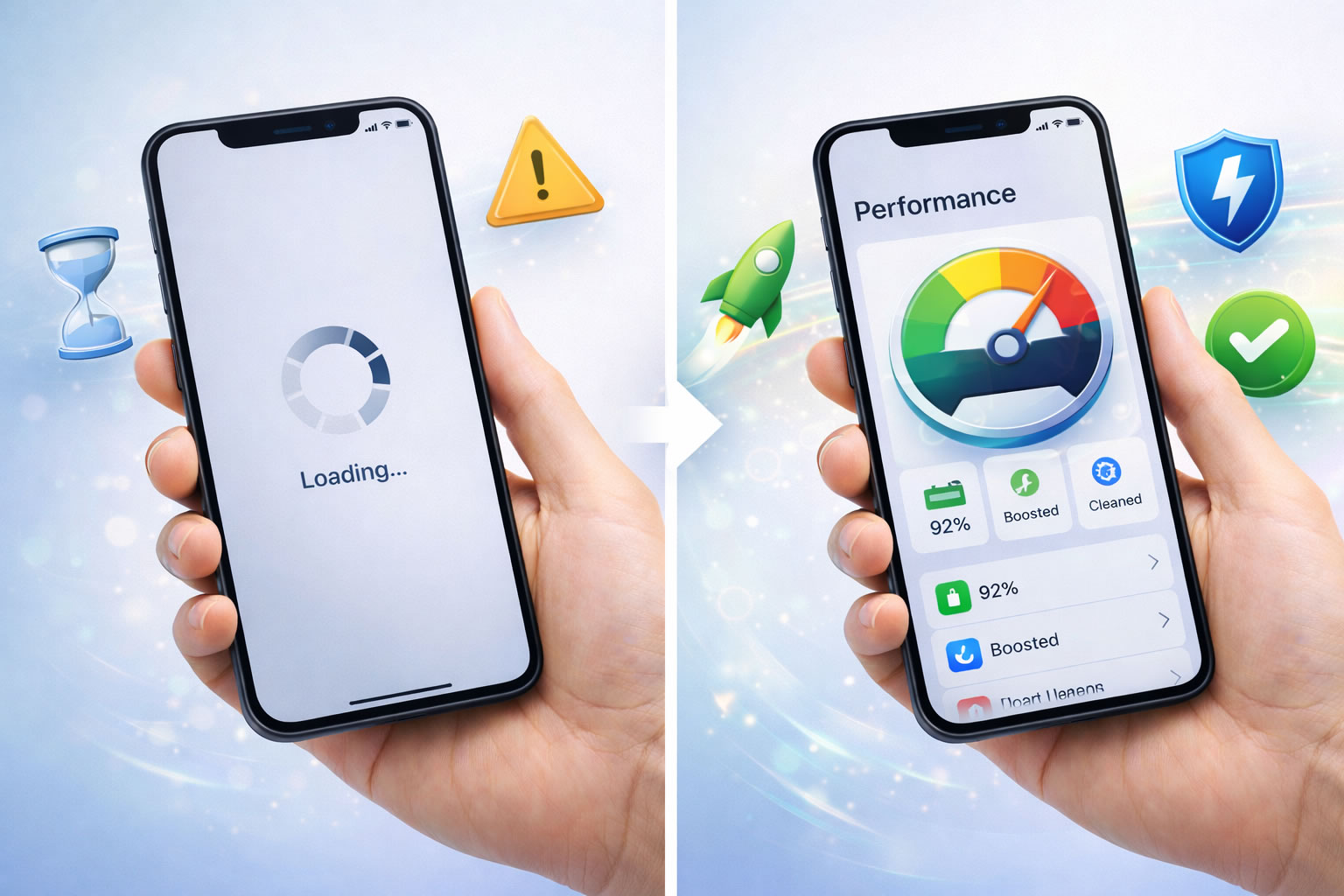

A slow phone is one of the most frustrating problems for smartphone users. Apps take forever to open, the screen freezes, and even simple tasks feel difficult.
The good news is that most performance issues can be fixed quickly without installing complicated tools or being a tech expert. Follow the simple steps below to make your phone faster and smoother again.
1. Restart Your Phone First
Many problems happen because apps stay open in the background.
Steps:
-
Press and hold the Power button.
-
Tap Restart or turn off the phone.
-
Wait about 30 seconds.
-
Turn it back on.
This clears temporary processes and improves performance immediately.
2. Free Up Storage Space
Low storage is one of the biggest reasons phones become slow.
Steps:
-
Open Settings → Storage.
-
Check available space.
-
Delete old videos, screenshots, and downloads.
-
Empty the trash or recently deleted folder.
Try to keep at least 20% of storage free.
3. Remove Apps You Don’t Use
Unused apps can slow down your device.
Steps:
-
Go to Settings → Apps.
-
Review installed apps.
-
Uninstall apps you haven’t used recently.
This also improves battery life.
4. Update Your System and Apps
Updates often fix performance bugs.
Steps:
-
Open Settings → System Update.
-
Install available updates.
-
Open the App Store or Play Store.
-
Update all apps.
Your phone may run smoother after updates.
5. Close Heavy Background Apps
Some apps keep running even when closed.
Steps:
-
Open Recent Apps.
-
Swipe away apps you’re not using.
-
Avoid running too many apps at once.
This frees memory and improves speed.
6. Reduce Animations
Animations can make older phones feel slower.
Steps (Android):
-
Enable Developer Options.
-
Reduce Animation Scale to 0.5x.
Steps (iPhone):
-
Go to Accessibility → Motion.
-
Turn on Reduce Motion.
The interface will feel faster instantly.
7. Clear App Cache (Android)
Temporary files can slow apps over time.
Steps:
-
Go to Settings → Apps.
-
Select an app.
-
Tap Storage → Clear Cache.
Do this especially for social media apps.
8. Disable Automatic Background Refresh
Apps constantly updating in the background can slow your phone.
Steps:
-
Android: Settings → Battery → Background Usage.
-
iPhone: Settings → General → Background App Refresh.
Disable for apps you rarely use.
9. Scan for Problematic Apps
Some apps consume too many resources.
Steps:
-
Open Battery Usage in Settings.
-
Look for apps using excessive power.
-
Restrict or uninstall them.
This often fixes lag issues quickly.
10. Reset Settings as a Last Option
If nothing works, reset system settings (not your files).
Steps:
-
Go to Settings → Reset Options.
-
Choose Reset All Settings.
-
Confirm and restart.
This removes misconfigurations causing slowdowns.
Extra Tip 💡
Avoid installing “phone cleaner” apps. Most modern smartphones already include built-in optimization tools, and extra apps can actually slow your device further.
Quick Conclusion
A slow phone doesn’t always mean it’s old or broken. In most cases, simple actions like freeing storage, restarting your device, and removing unused apps can dramatically improve performance in just minutes.
Try these steps today and enjoy a faster, smoother smartphone experience.