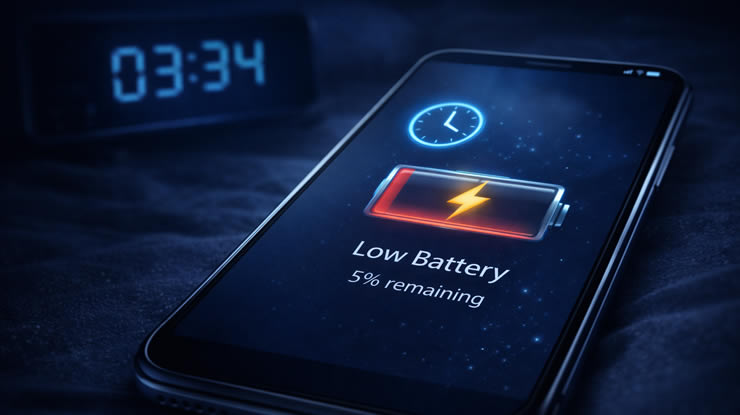

Waking up to a low battery is frustrating. You charged your phone before sleeping, but in the morning it’s almost empty.
This is a very common problem, and most of the time the cause is simple: background activity that you don’t notice.
The good news is that you can fix it in just a few minutes.
1. Check Battery Usage
The first step is to identify what is draining your battery.
Steps:
-
Open Settings
-
Tap Battery
-
Check Battery Usage
Look for apps using power during the night.
2. Disable Background App Activity
Many apps run even when you are not using them.
Android:
-
Settings → Apps
-
Select the app
-
Tap Battery
-
Choose Restricted
iPhone:
-
Settings → General
-
Tap Background App Refresh
-
Turn off unnecessary apps
3. Turn Off Location Services at Night
Location tracking consumes battery constantly.
Steps:
-
Open Settings
-
Tap Location
-
Disable or set to “While using app”
4. Disable Wi-Fi and Bluetooth Scanning
Even when not connected, your phone keeps scanning.
Fix:
-
Turn off Wi-Fi and Bluetooth before sleeping
-
Or enable Airplane Mode
5. Check for Apps with Notifications
Apps that send notifications wake your phone repeatedly.
Solution:
-
Go to Settings
-
Tap Notifications
-
Disable unnecessary alerts
6. Turn On Battery Saver Mode
Most phones have a built-in power-saving mode.
Activate:
-
Android: Battery Saver
-
iPhone: Low Power Mode
This reduces background activity automatically.
7. Disable Always-On Display
If your phone keeps the screen partially on, it drains power.
Fix:
-
Open Settings
-
Display
-
Turn off Always-On Display
8. Close Heavy Apps Before Sleeping
Apps like video players, games and navigation can keep running.
Tip:
-
Close recent apps before locking your phone
9. Check for System Updates
Sometimes the problem is caused by a bug.
Steps:
-
Settings → System Update
-
Install latest version
10. Restart Your Phone
A simple restart can fix hidden background issues.
Extra Tip: Use Airplane Mode Overnight
If you don’t need connectivity while sleeping, turn on airplane mode.
This can reduce battery usage to almost zero.
Why This Happens
Modern smartphones run dozens of processes in the background.
Without proper control, they continue:
-
syncing data
-
checking notifications
-
tracking location
All of this drains battery while you sleep.
Conclusion
Battery drain overnight is usually caused by background activity, not hardware problems.
With a few simple changes, you can wake up to a fully charged phone every day.