Category iPhone Tips

Learn the most important iPhone settings you should change right now to improve performance, battery life, and overall usability. Many features are enabled by default and can slow down your device or consume unnecessary resources. This guide shows you simple adjustments like disabling background app refresh, reducing motion effects, managing location services, and optimizing storage. These tips are easy to follow and designed for beginners who want a faster and smoother iPhone experience without installing additional apps or making complex changes to their device.

15 iPhone Tricks Apple Doesn’t Tell You About

15 iPhone Tricks Apple Doesn’t Tell You About

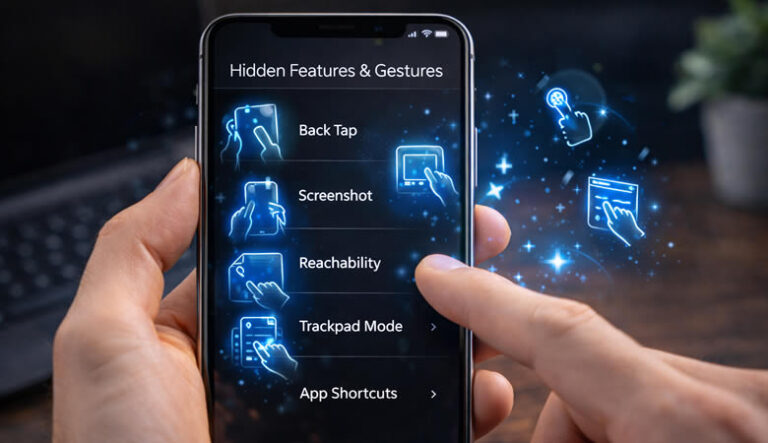
Apple devices are known for simplicity, but they hide many powerful features that most users never use. 1. Back Tap Feature Double tap the back of your phone to trigger actions like screenshots. 2. Live Text Copy text directly from…

iPhone Features That Save Time Every Day

iPhone Features That Save Time Every Day

Features Back Tap shortcuts Focus filters Live Photos editing Visual Look Up Quick Note gesture Safari Reader mode iCloud backup automation AirDrop fast sharing Low Power Mode automation Text replacement shortcuts 💡 Extra Tip: customize lock screen widgets. Conclusion iOS…