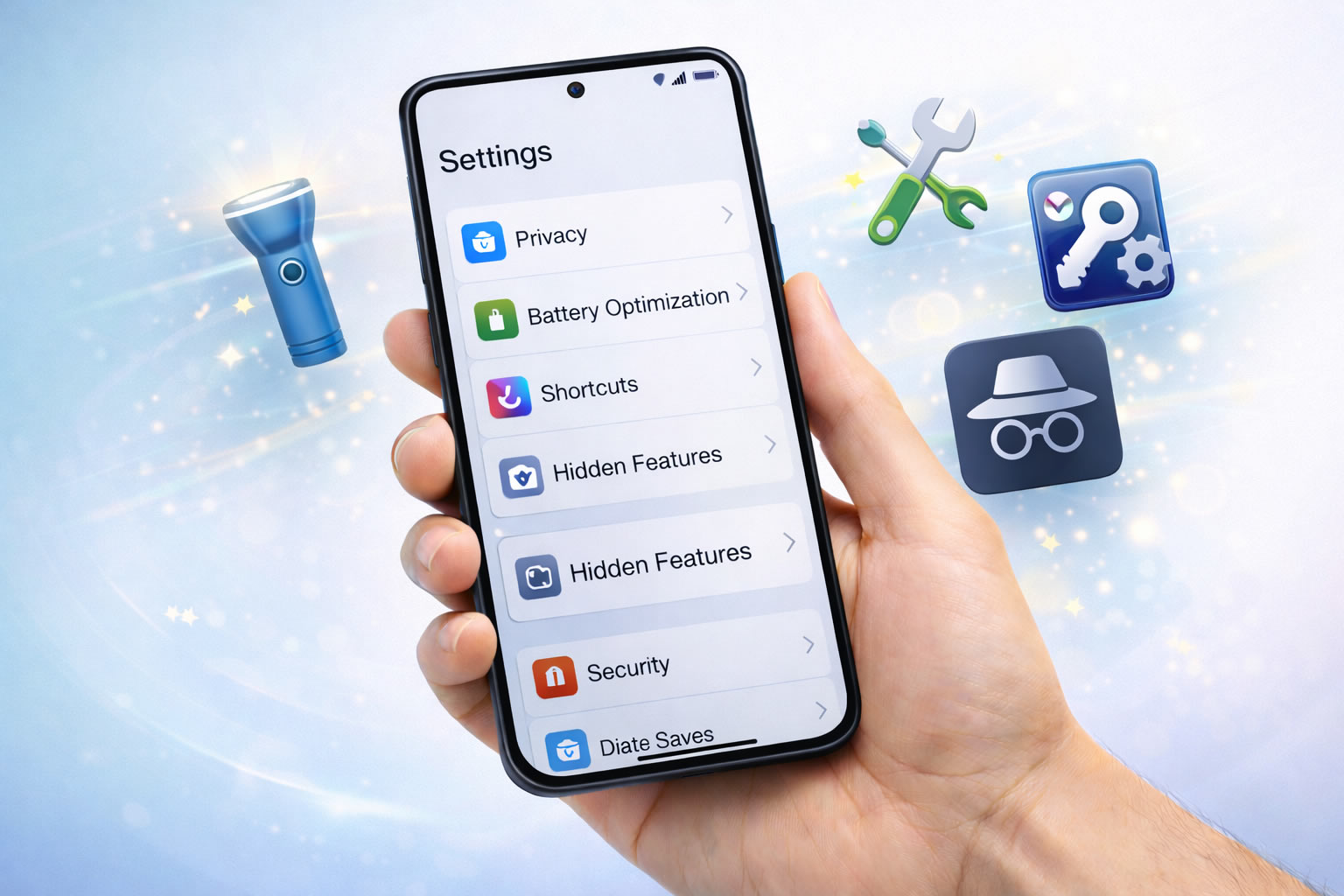

Modern smartphones include powerful hidden tools designed to make everyday tasks easier, faster, and more efficient. However, most users never explore beyond basic settings.
These hidden features can help you save time, improve security, and unlock new ways to use your device without installing extra apps.
Let’s explore useful features that many beginners overlook.
1. Built-In Screen Recorder
Steps:
-
Swipe down to open quick settings.
-
Tap Screen Record.
-
Start recording instantly.
Perfect for tutorials or saving important moments.
2. Live Caption for Any Audio
Steps:
-
Open Accessibility settings.
-
Enable Live Caption.
-
Play any video or audio.
Your phone generates subtitles automatically.
3. Hidden Clipboard History
Steps:
-
Open keyboard settings.
-
Enable Clipboard Manager.
-
Access copied items later.
Great for copying multiple texts.
4. One-Handed Mode
Steps:
-
Go to Display settings.
-
Enable One-Handed Mode.
-
Swipe down to activate.
Makes large phones easier to use.
5. Smart Text Selection
Steps:
-
Long-press any text.
-
Select smart actions like call or map.
Saves time during searches.
6. App Pinning
Steps:
-
Open Security settings.
-
Enable App Pinning.
-
Lock an app on screen.
Useful when lending your phone.
7. Hidden Camera Grid
Steps:
-
Open camera settings.
-
Enable Grid Lines.
Helps take better photos.
8. Digital Wellbeing Tools
Steps:
-
Open Digital Wellbeing.
-
Set app timers.
Reduces distractions.
9. Gesture Navigation
Steps:
-
Go to Navigation settings.
-
Enable Gestures.
Faster than buttons.
10. Emergency SOS Shortcut
Steps:
-
Enable Emergency SOS.
-
Press power button multiple times.
Quick access during emergencies.
💡 Extra Tip: explore Accessibility settings — many powerful tools hide there.
Conclusion
Hidden smartphone tools can improve productivity, safety, and convenience. Exploring these simple features can completely change how you use your device.