
Is your phone battery draining too fast? Many smartphones have hidden settings that can extend battery life without installing anything. Most users never touch these options—but they can make a huge difference.
Let’s explore simple settings you can enable right now.
1. Turn Off Background App Refresh
Apps keep running even when you’re not using them.
Steps:
-
Go to Settings
-
Tap Battery or Apps
-
Disable background activity for unused apps
This can significantly reduce battery usage.
2. Reduce Screen Refresh Rate
Higher refresh rates use more power.
Steps:
-
Open Settings
-
Go to Display
-
Select Standard (60Hz) instead of High
3. Disable Location Services When Not Needed
GPS drains battery quickly.
Steps:
-
Go to Settings
-
Tap Location
-
Set apps to “While using”
4. Turn Off Auto Sync
Auto-sync constantly updates apps.
Steps:
-
Settings → Accounts
-
Disable auto sync
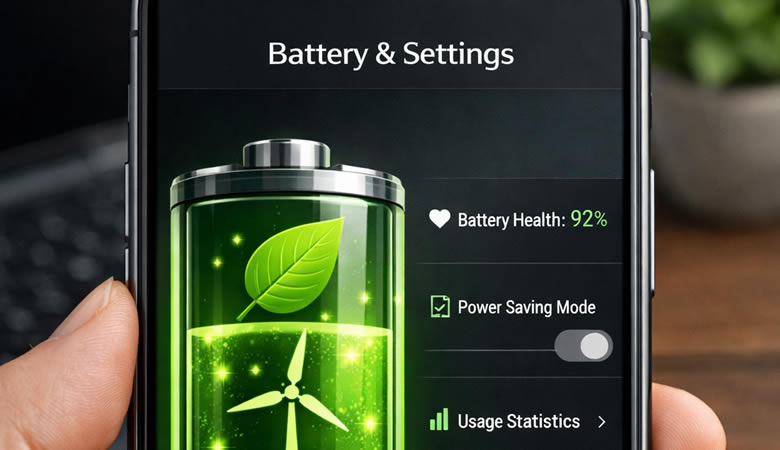
5. Enable Battery Saver Mode
This is one of the easiest ways to save power.
Steps:
-
Go to Settings
-
Tap Battery
-
Turn on Battery Saver
Extra Tip
Lower your screen brightness manually instead of using auto-brightness.
Conclusion
With these hidden settings, you can easily extend your battery life without changing your habits. Try them today and notice the difference.