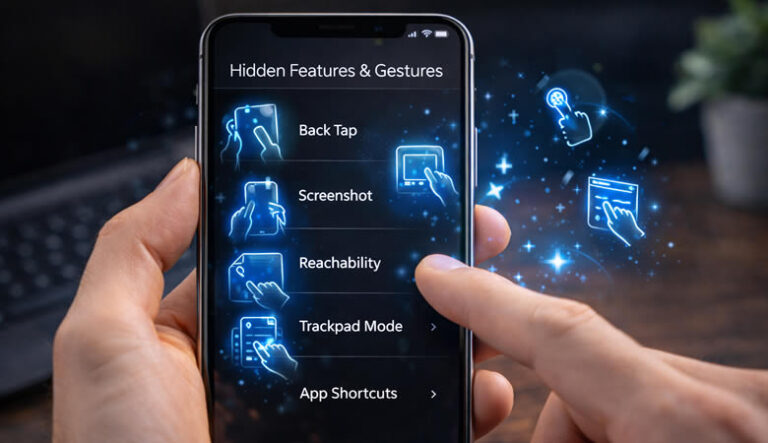

Accessibility features are not just for special needs — they make phones easier for everyone.
1. Back Tap Shortcuts
Settings → Accessibility → Touch → Back Tap.
2. Live Text Recognition
Copy text directly from photos.
3. Reduce Motion
Makes interface smoother.
4. AssistiveTouch Menu
Floating shortcut button.
5. Sound Recognition
Alerts for doorbells or alarms.
6. Display Zoom
Bigger icons instantly.
Extra Tip
Enable Reachability for one-handed use.
Conclusion
These features make daily iPhone use faster and more comfortable.