
Many iPhone users never explore the settings beyond the basics. But iOS includes powerful hidden features that can make your phone faster, safer, and easier to use every day.
The best part? You don’t need technical knowledge. With just a few simple changes, you can unlock tools that save time and improve your overall experience.
Let’s explore the most useful hidden iPhone settings you should enable right now.
1. Enable Back Tap for Quick Actions
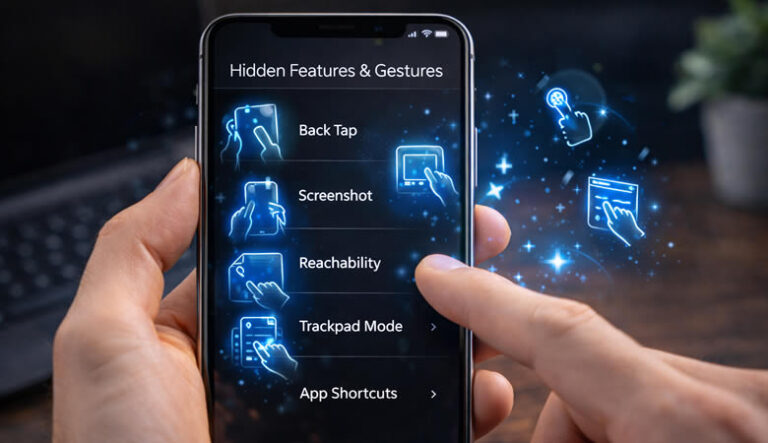
Back Tap lets you trigger actions by tapping the back of your phone.
Steps:
-
Open Settings.
-
Go to Accessibility → Touch → Back Tap.
-
Choose Double Tap or Triple Tap.
-
Select actions like Screenshot, Camera, or Control Center.
It’s one of the fastest shortcuts available on iPhone.
2. Turn On Optimized Battery Charging
This feature helps protect your battery health.
Steps:
-
Go to Settings → Battery → Battery Health & Charging.
-
Enable Optimized Battery Charging.
Your phone learns your routine and reduces battery aging.
3. Customize Control Center
Access important tools instantly.
Steps:
-
Open Settings → Control Center.
-
Tap Add Controls.
-
Include tools like Screen Recording, Flashlight, Notes, and Calculator.
Now you can swipe down and access everything quickly.
4. Enable Live Text for Instant Copy
iPhones can copy text directly from photos.
Steps:
-
Open the Camera or Photos app.
-
Point at text.
-
Tap the Live Text icon.
-
Copy or translate instantly.
Perfect for notes, documents, or signs.
5. Reduce Motion for Faster Feel
Animations can slow the experience slightly.
Steps:
-
Go to Settings → Accessibility → Motion.
-
Turn on Reduce Motion.
Your phone feels quicker and smoother.
6. Activate Silence Unknown Callers
Stop spam calls automatically.
Steps:
-
Open Settings → Phone.
-
Enable Silence Unknown Callers.
Calls from unknown numbers go straight to voicemail.
7. Use Focus Mode for Productivity
Reduce distractions while working or studying.
Steps:
-
Go to Settings → Focus.
-
Create a custom Focus profile.
-
Choose allowed apps and contacts.
-
Schedule activation times.
It keeps your attention where it matters.
8. Enable Automatic App Updates
Keep apps secure without manual work.
Steps:
-
Open Settings → App Store.
-
Turn on App Updates.
Your apps stay updated automatically.
9. Turn On Location Privacy Controls
Limit which apps track you.
Steps:
-
Go to Settings → Privacy & Security → Location Services.
-
Select each app.
-
Choose While Using App or Never.
This improves privacy and battery life.
10. Use Safari Tab Groups
Organize your browsing easily.
Steps:
-
Open Safari.
-
Tap the tabs icon.
-
Create a New Tab Group.
-
Organize tabs by work, shopping, or study.
Great for keeping things organized.
Extra Tip 💡
Restart your iPhone once a week. It clears temporary processes and helps maintain smooth performance without installing anything.
Quick Conclusion
Your iPhone includes powerful hidden tools that most users never activate. By enabling simple features like Back Tap, Focus Mode, and Control Center customization, you can improve speed, productivity, and privacy in just a few minutes.
Small changes make a big difference in daily use — even for beginners.